
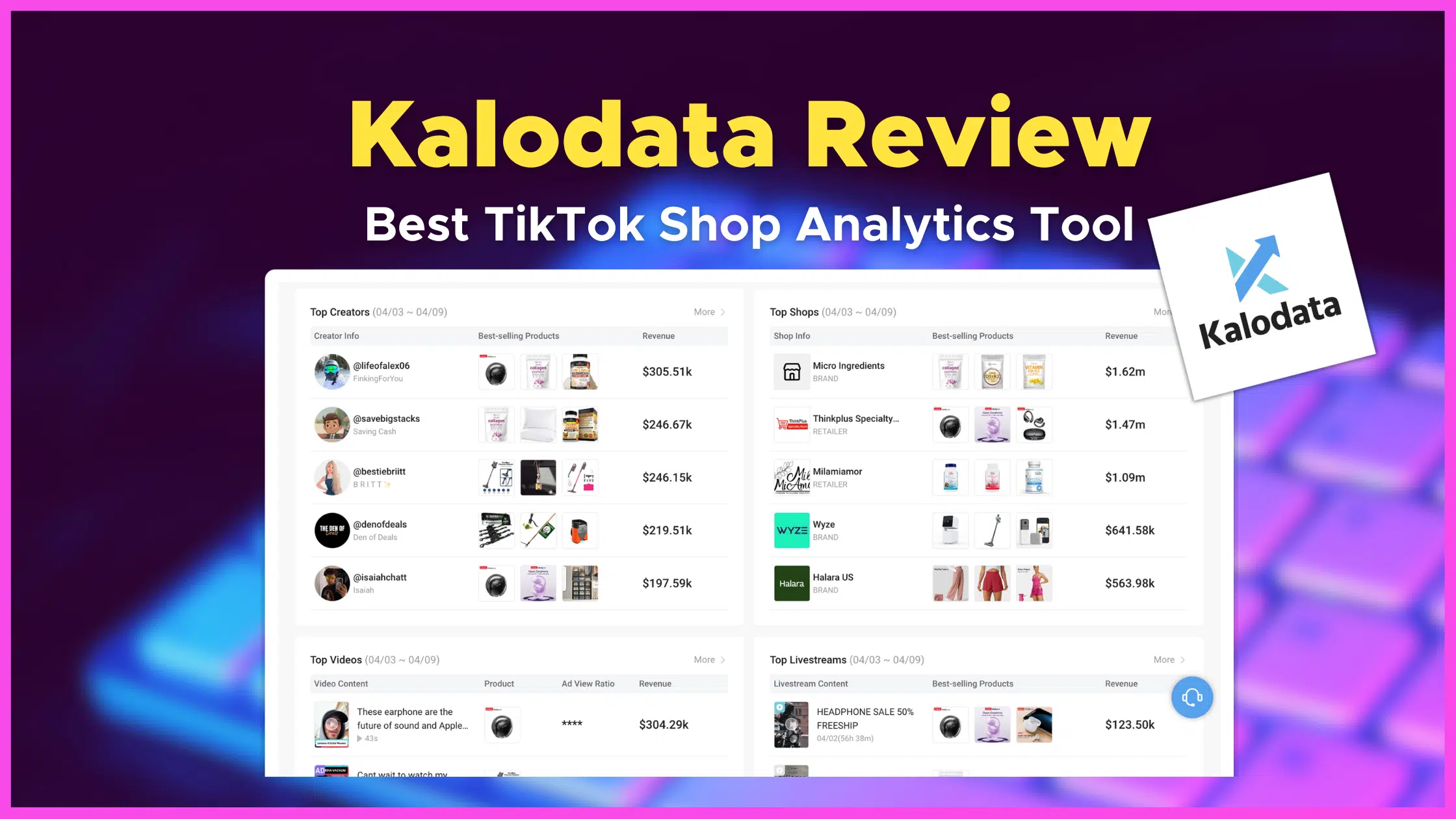
The Ultimate Review of Kalodata: Your Go-To Tool for TikTok Shop Analytics & Insights

Ever found yourself diving into the ever-expanding universe of TikTok e-commerce, trying to figure out what products are trending, which creators could elevate your brand, or how to design your ads and livestreams for maximum engagement?

Enter Kalodata, a powerhouse in TikTok shop analytics and insights, boasting a staggering database of over 100 million products, 200 million creator data, and 300 million video & livestream data, coupled with a historical reach of 500 days. This tool is a game-changer for sellers, brands, creators, and affiliates aiming to make their mark on TikTok.

Today, I'm diving deep into what makes Kalodata not just another analytics tool, but a crucial ally in seizing every TikTok opportunity.

User Interface and Quality

At first glance, Kalodata impresses with its sleek, user-friendly interface, making the dive into vast data analytics feel surprisingly intuitive.

What stands out is the tool's commitment to real-time data processing, employing advanced AI models that are continually refined for accuracy.

For anyone in the TikTok e-commerce space, the quality of insights—from trending product analysis and influencer collaboration to advertising optimization and competitor insight—can genuinely make or break decision-making processes.

Kalodata, with its comprehensive data and ease of use, clearly positions itself as the current leader in its field.

Key Features and Functionality

Trending Product Analysis

Identifying trending products on TikTok is more art than science, yet Kalodata turns it into a precise craft. By leveraging their massive product database, users gain unparalleled insights into what's hot, ensuring that your shop stays ahead of the curve.

Influencer Collaboration

The magic of TikTok lies in its creators. Kalodata's vast creator data makes finding the perfect influencer for your brand not just possible but straightforward, with detailed insights into their reach, engagement, and previous brand partnerships.

Advertising Optimization & Competitor Insight

Kalodata shines in demystifying the complexities of TikTok advertising, offering actionable insights that drive ad performance. Similarly, its competitor analysis tools provide a clear view of how you stack up against others, offering a strategic edge that's hard to beat.

Pros and Cons

Pros:

  • Comprehensive TikTok-specific data.
  • User-friendly interface.
  • Real-time updates and insights.
  • Free 7-day trial without credit card requirements.

Cons:

  • Pricing might be a hurdle for small businesses.
  • The overwhelming amount of data might require a learning curve.

Genuine User Experiences

Delving into user testimonials, it's clear that Kalodata has transformed many users' approach to TikTok e-commerce. From saving countless hours in market research to identifying lucrative influencer partnerships, users have seen tangible boosts in their sales and online presence.

The consistent praise for Kalodata's detailed analytics and the actionable insights it provides is a testament to its effectiveness.

Tips and Tricks

To get the most out of Kalodata:

- Regularly check the trending products and adjust your inventory accordingly.

- Use the influencer collaboration data to build diverse partnerships.

- Analyze your competitors regularly to stay ahead.

FAQs

What is Kalodata?

Kalodata is an analytics tool designed to provide TikTok shop sellers, brands, creators, and affiliates with data-driven insights into trending products, influencer collaborations, and more, aimed at enhancing sales and operational efficiency.

How accurate is Kalodata's data?

While Kalodata strives for accuracy by updating its AI models daily, it advises against relying on its data for high-precision tasks, like partner commission settlements.

Final Thoughts

In the popular world of TikTok e-commerce, Kalodata emerges as a beacon for those looking to navigate the space with confidence and insight. Its unparalleled data coverage, combined with user-friendly analytics, makes it a must-have tool for anyone serious about leveraging TikTok's vast commercial potential.

Whether you're a seasoned seller or just starting, Kalodata offers the insights and tools needed to thrive. Despite its few drawbacks, the benefits overwhelmingly suggest that Kalodata is not just a tool but a strategic partner for success on TikTok Shop.


Why I Stopped Building Landing Pages the Hard Way

If you've ever sat down to build a landing page and immediately felt overwhelmed by the blank screen staring back at you, you're not alone. For a long time, I was in that same spot. Drag-and-drop builders help, but they still take time. And when you're running a solo online business, time is the one thing you don't have enough of.

That's why I started experimenting with using Claude AI to build my landing pages for me. And what I found changed how I approach the whole thing. In this post, I'm going to walk you through exactly how I do it, step by step, so you can start doing the same.

What You Need Before You Start

You don't need to be a developer for this. You don't need to know HTML. You just need two things: a Claude AI account (the free version works for basic pages) and a Systeme.io account (also free to start).

That's it. If you have both of those, you're ready to go.


Step One: Writing the Right Prompt for Claude

This is where most people get stuck. They open Claude, type something vague, and get back something that doesn't really work. The fix is being specific.

Your prompt needs to include your product name, what the offer is, your brand colors, and what you want the page to do. For example, you might tell Claude: 'Build me a Systeme.io-compatible landing page for a digital product called [Product Name]. The offer is [what it includes and what it costs]. Use a dark navy background with red accent colors. Include a headline, features section, countdown timer, and a buy button.'

That level of detail gives Claude enough to work with. The more specific you are, the better the output.

Step Two: Getting the HTML From Claude

Once you submit your prompt, Claude is going to generate a block of HTML code. This usually takes about one to two minutes. When it's done, you'll see a full page of code on your screen.

Don't panic. You don't need to read it or understand it. All you need to do is hit the copy button and move on to the next step.


Step Three: Importing the Code Into Systeme.io

Now you'll head over to your Systeme.io dashboard. Create a new blank page and give it a name. Once you're inside the page editor, look for the HTML element in the sidebar and drag it onto your blank canvas.

Click on that HTML element, go to 'Edit Code,' delete the placeholder text that's already in there, and paste in the code you copied from Claude. Hit save.

At this point, you'll see your page take shape. It might not look perfect yet, but the structure is there.


Step Four: Fixing the Padding Issues

Here's something that trips up a lot of people. Systeme.io adds default padding to every element on the page. So when you paste in your HTML, you might notice a white bar at the top or gaps where there shouldn't be any.

The fix is simple. Click on the section that's causing the issue. Look for the padding settings, usually labeled in the element options. Drop the top and bottom padding down to zero. Do this at both the section level and the row level. Once you save, those gaps should clear up.


Step Five: Checking the Mobile View

After your desktop version looks clean, always check the mobile view. Claude does a solid job with mobile-friendly code, but the font sizes can sometimes come out a little large on smaller screens.

If that's the case, just go back to Claude and ask it to adjust the font sizes for mobile. Something like: 'Can you update the HTML so the heading text is smaller on mobile screens?' Claude will spit out a revised version of the code. Copy it, paste it back into Systeme.io, and you're done.


The Hybrid Approach: AI Plus Drag-and-Drop

One thing I want to be clear about. When you build a page this way, you can't use Systeme's drag-and-drop tools to edit text or buttons directly. Because the entire page is HTML, those elements don't work the same way. Every change has to go through Claude.

That's why I recommend what I call a hybrid approach. Use Claude to build the sections that are design-heavy, like your hero banner or feature blocks. Then use Systeme's native tools for the simpler pieces that you'll want to tweak often, like your opt-in form or your footer.

This gives you the speed of AI and the flexibility of the builder. Best of both worlds.

How Fast Is This Really?

Here's my honest answer. From opening Claude to having a live page preview in Systeme.io, I've done it in under 10 minutes. The prompting takes about 30 seconds. The code generation takes about two minutes. The import and padding fixes take another five minutes or so.

Compare that to spending 30 to 60 minutes building a page from scratch, and this method isn't even close. It's faster every single time.


Final Thoughts on Using AI to Build Landing Pages

If you've been putting off building your funnel because the tech feels like too much, this is your sign to just start. You don't need design skills. You don't need to hire a developer. You just need to know how to write a decent prompt.

Claude handles the code. Systeme.io hosts the page. You just put the pieces together. That's the whole thing.

I've put together a full video walkthrough that shows this process live from start to finish. If you want to see it in action, you can check that out on my YouTube channel.


